Live animations
An animation that runs in the chat
Ask for an animation or an HTML page and it runs in a live preview. Go full screen, and download it.
Claude, with no API key and no credit card
Bayni gives you Claude, one of the most advanced AI models in the world. Ask, write and plan, and get real results too: a deck, an Excel file, a transcript of a voice message, a drawing or an animation. Right from your phone.
NEWThe Workshop: a coding agent that builds real projects from your phone, in the cloud or on your own PC.Anthropic's models, in one place
01More than a chat
Ask in the chat, in plain words, and get a finished result: a file to download, an image, an animation or a transcript.
Everything Bayni does in the chat, in short. With sound.
Ask for an animation or an HTML page and it runs in a live preview. Go full screen, and download it.
A PowerPoint deck (phone-sized too), a Word or PDF document, and a table that downloads to Excel in one tap.
Send a WhatsApp voice message or an audio file, and Bayni transcribes it, sums it up and answers it. SRT captions and Word too.
Send a video and ask for captions. You get it back with the captions burned in, ready to download.
Describe it, and it's ready. Don't love it? Tap "Another version".
A logo as an image (PNG, JPG or SVG, transparent too), and a print-ready QR code.
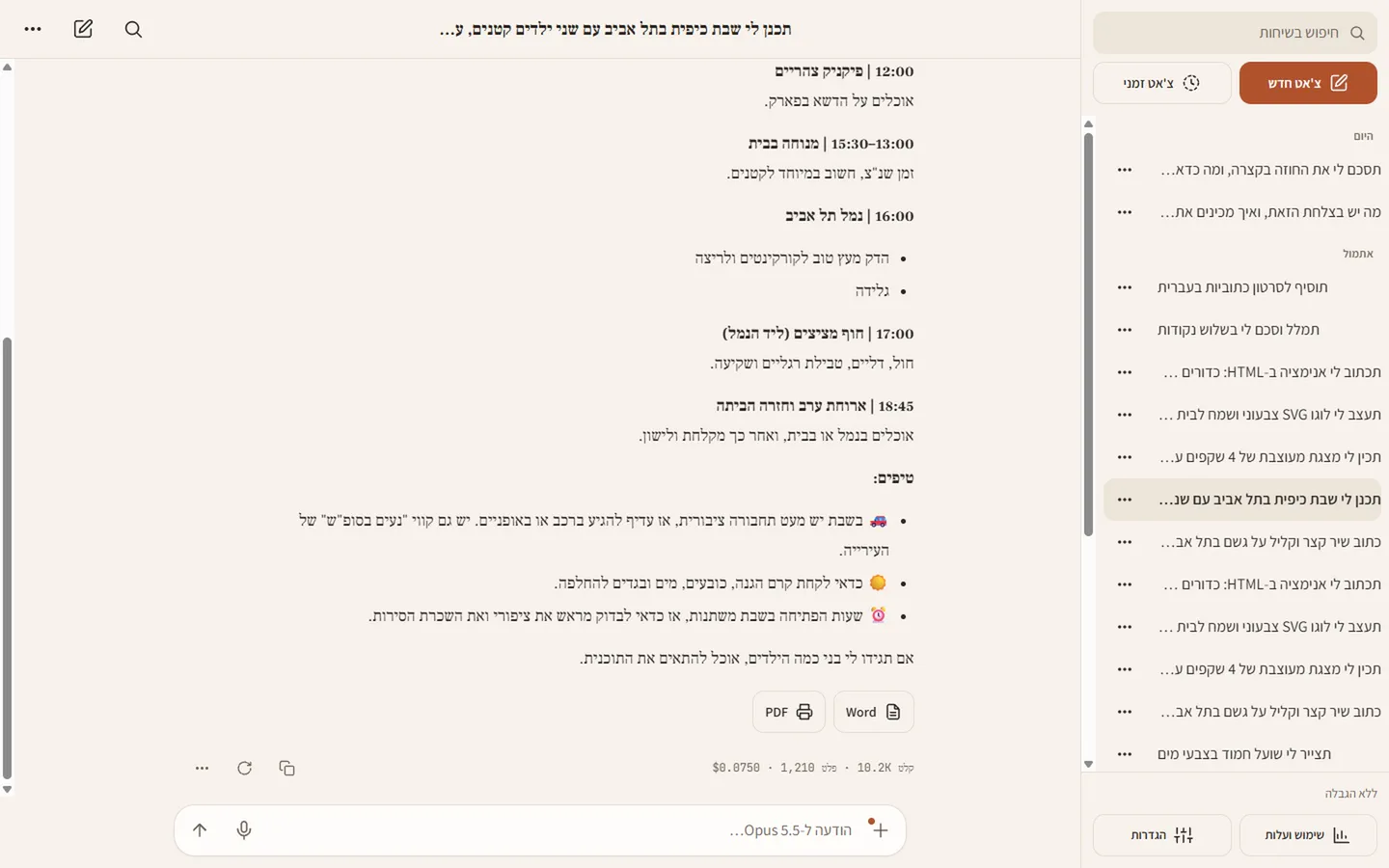
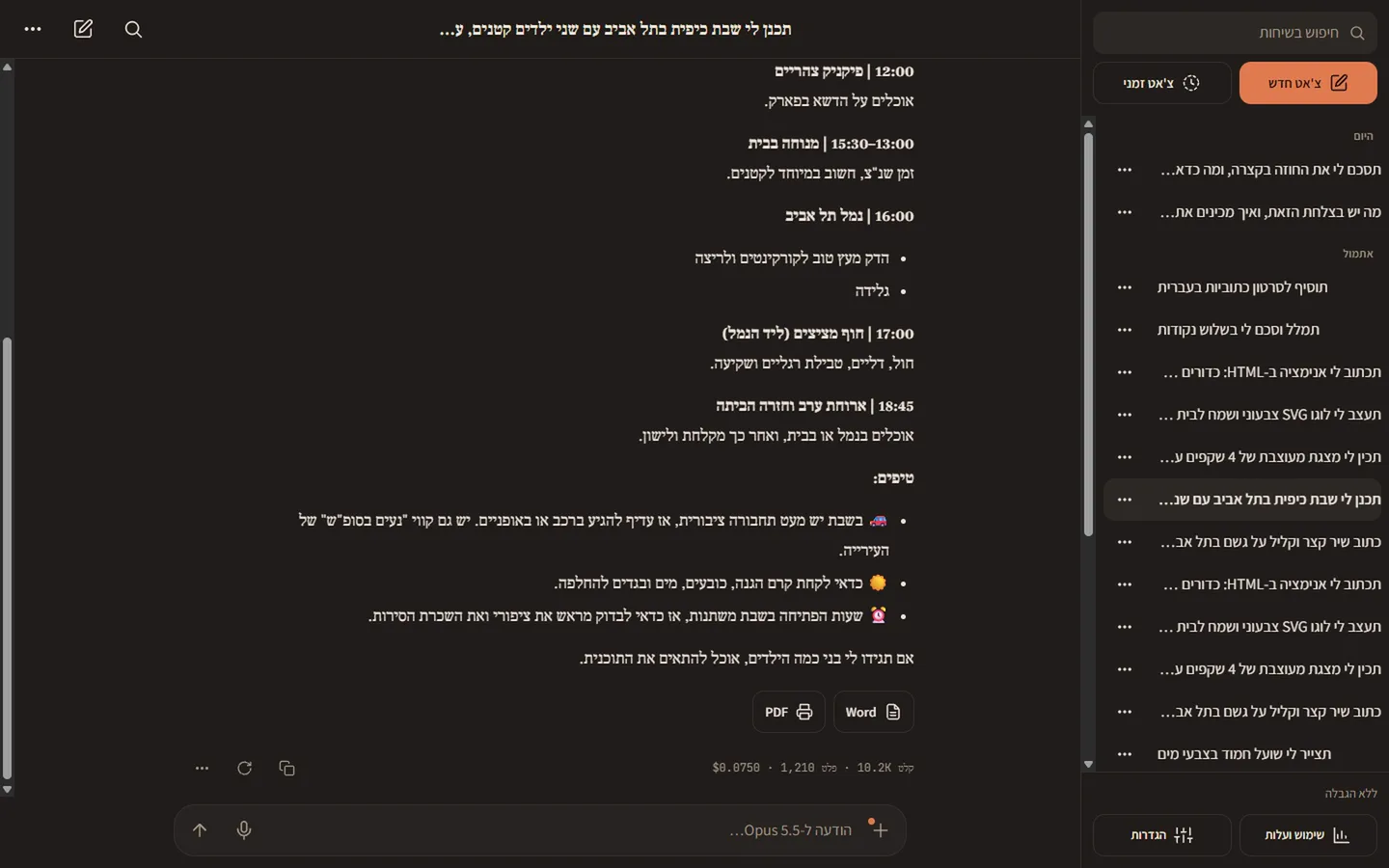
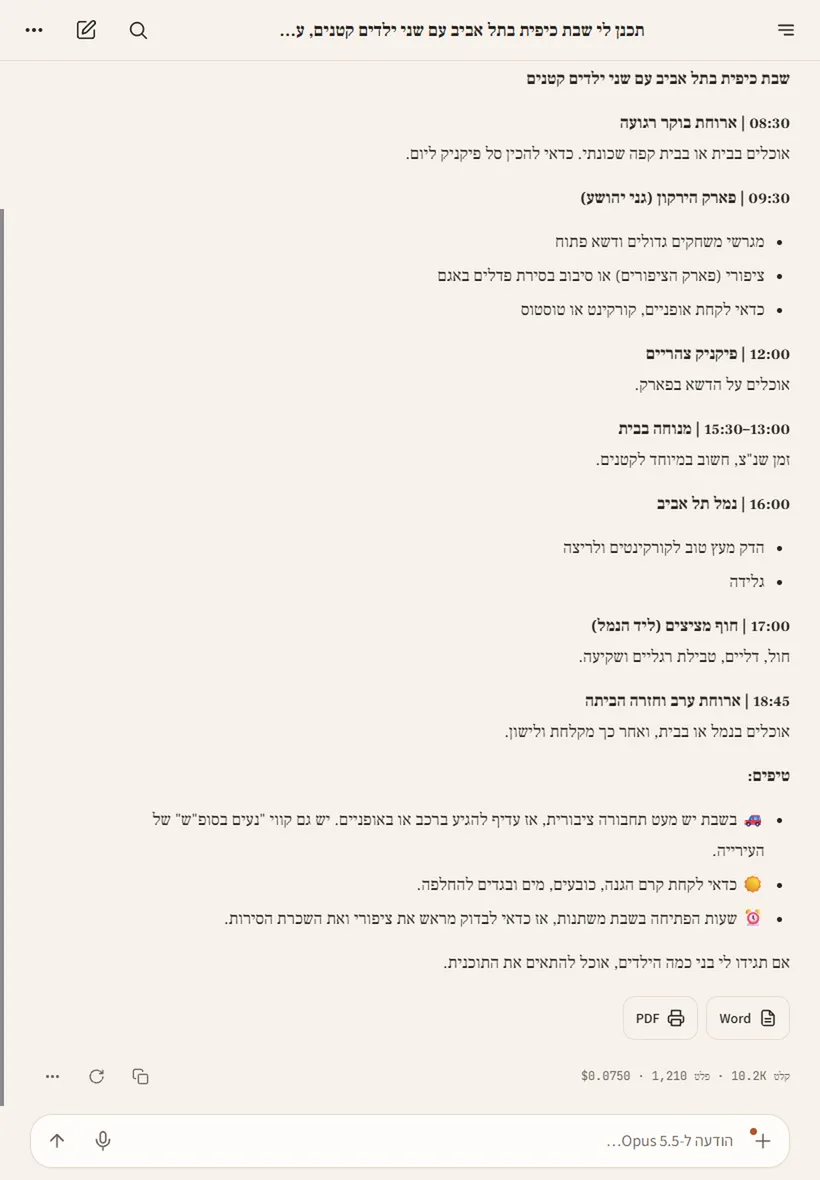
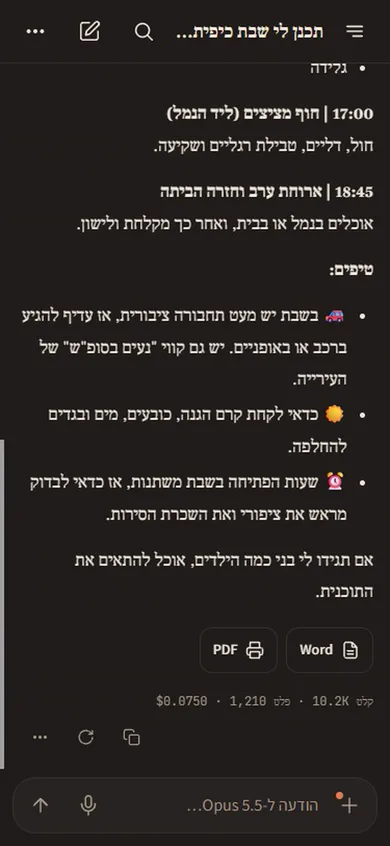
A Saturday plan with the kids, an email to a client, a study summary. You can see how long it thought, too.
Photo editing that runs on the phone itself: no upload and no cost.
A lease, an article or a form: Bayni sums it up and tells you what to check before you sign.
02The Workshop
The Workshop is a coding agent built on Claude: it writes code, runs commands and builds the project, and you direct it from your phone, in one conversation. In the cloud, or on your own PC.
Claude works in an isolated Anthropic environment, even when your computer is off. Nothing to install.
With Bayni for PC, Claude works on the files, programs and projects on your computer, and you approve from your phone.
For Windows. Mac and Linux coming soon.
Like in Claude Code: every message continues the same work, and the agent remembers everything done so far.
A live line above the composer:
Everything running in the background sits in one panel, and every item has a "Stop" button that really stops it.
"Thought for 12 seconds": for tasks on your PC, open the box and read how it thought.
On big jobs it splits the work: a quick reader on Haiku, a builder on Sonnet, and a copy of itself. In the cloud, when the main model is Opus or Fable.
Message it mid-task too, and attach up to 10 files per message: images, documents, data.
The free plan includes a monthly Workshop allowance too: a small taste that renews every month. For serious work there are Plus and Pro (opening soon), or your own API key, and then the Workshop has no allowance cap.
03Model and effort
Fast and cheap for a small question, or the strongest for big work. And you choose how hard it thinks: from "low" to "max".
Bayni also suggests when to switch models, or lower the effort and save.
04Your own API key
Connect an API key and Bayni opens up completely: free and unlimited.
05Phone, tablet and computer
Start on your phone, continue on your computer. Sign in anywhere, and everything is there.
Add Bayni to your home screen from the browser; it opens like an app and updates itself. On Android you can also download the app.
Three designs, light or dark mode, and your choice of text size. In Hebrew or English.
Search across all chats, standing instructions per chat, a temporary chat that isn't saved, and read-only share links.
No app store needed: Bayni opens from your home screen like an app, and updates itself. For the Workshop on your PC: Bayni for PC.
06Plans
The free plan works right now. Paid plans open soon, and meanwhile you can get them from me for free.
$0forever
Live now$7a month
Coming soonOpening soon
$19a month
Coming soonOpening soon
$0unlimited
Live nowPlus and Pro prices are as shown in the app today, and may change before they open.
Yes. Sign in with Google and start: no credit card and no key. There's a usage allowance that renews every 5 hours and every week, and a small monthly allowance for the Workshop.
Claude is an AI model by Anthropic, among the most advanced in the world. Bayni is a comfortable chat in Hebrew and English that connects you to it, with tools that turn an answer into a file, an image or a transcript.
A coding agent built on Claude: ask it to build something, and it writes the code, runs commands and builds the project. You direct it from your phone, in the cloud or on your own PC.
No. In the cloud everything is already installed, and the agent works even when your computer is off. If you want it to work on your own files and programs, install Bayni for PC (Windows).
No. Bayni works in the browser, on your phone and your computer. You can add it to your home screen as an app, and on Android download the app too.
In your account, so they wait for you on every device. You can also choose to keep them on the device only, or open a temporary chat that isn't saved at all.
Yes. Message me on WhatsApp, and I'll unlock your allowances or upgrade you to Plus or Pro, for free.
Yes. Chati is now called Bayni: the same app, the same account and the same chats, under a new name at bayni.dstdio.com.